 Your local job search

Integrations > Talent Clouds set up
Talent Clouds
CV-Library has integrated with Talent Clouds to allow users to advertise their vacancies across our network, quickly and easily.
 Integrated with


Job posting guide
To start posting your vacancies across CV-Library's extensive network of specialist job boards via Talent Clouds, please follow these simple instructions:
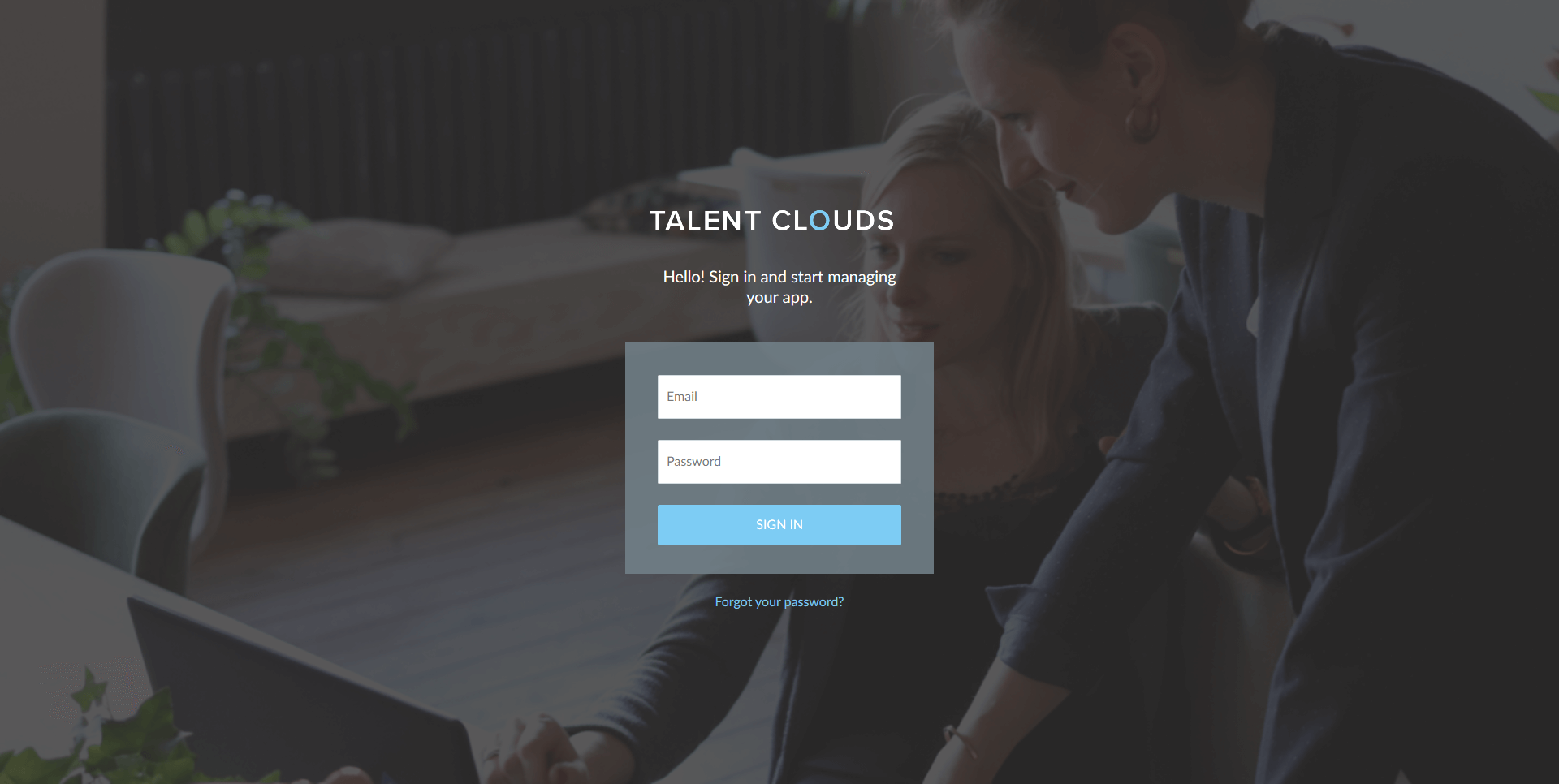
Contact your Talent Clouds account manager and let them know you'd like to connect your CV-Library account to Talent Clouds. You'll need to provide your CV-Library account username and password. Then, login to your Talent Clouds account.
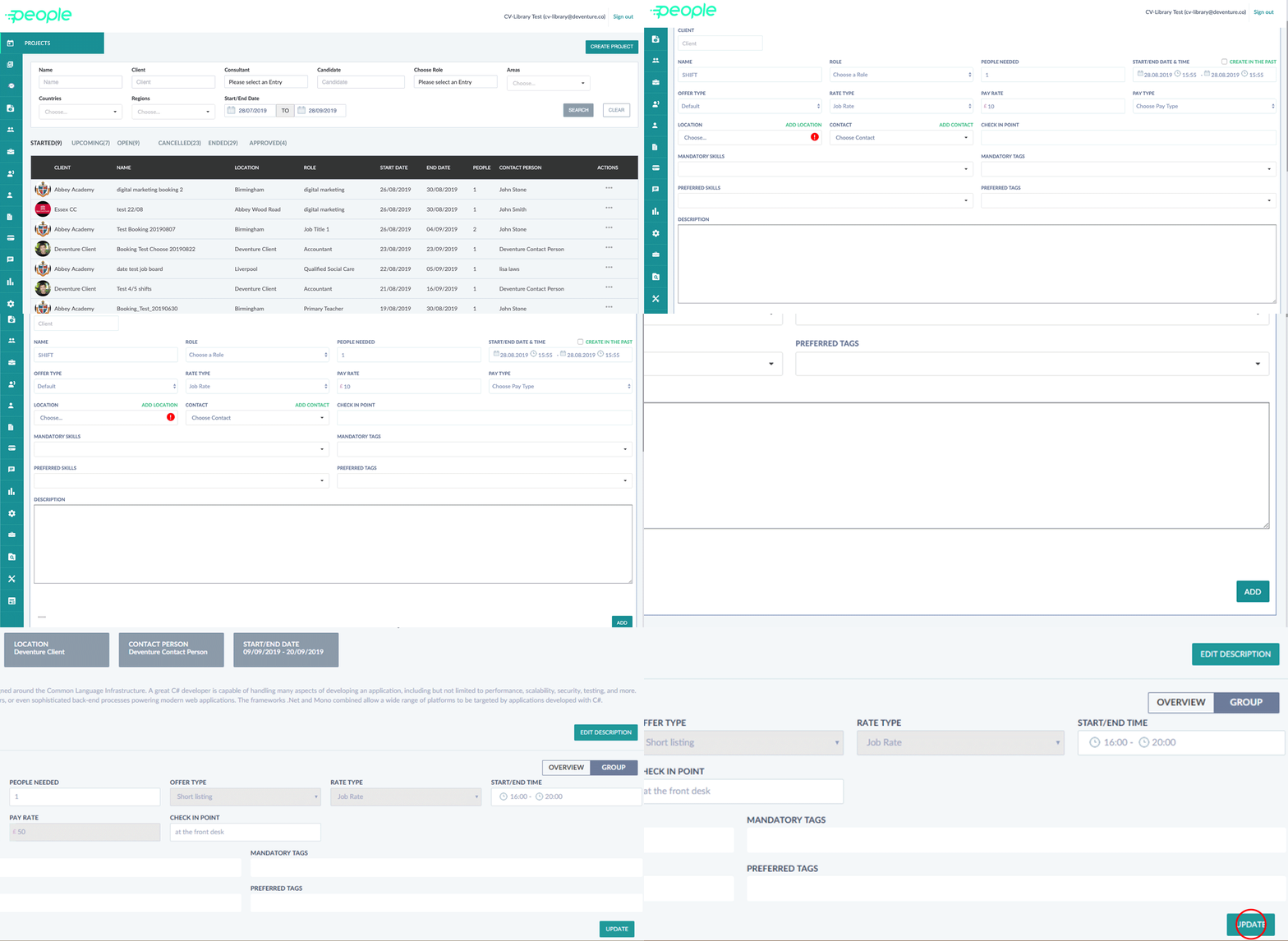
To create a new job posting, click "Create Project". Complete the form and press "Add". Check your job details and press "Approve."
If you'd like to post an existing job to CV-Library, hover over the rocket symbol and select "Projects". Find the job you wish to add to CV-Library and press the "..." button. Select "Details" from the drop down menu.
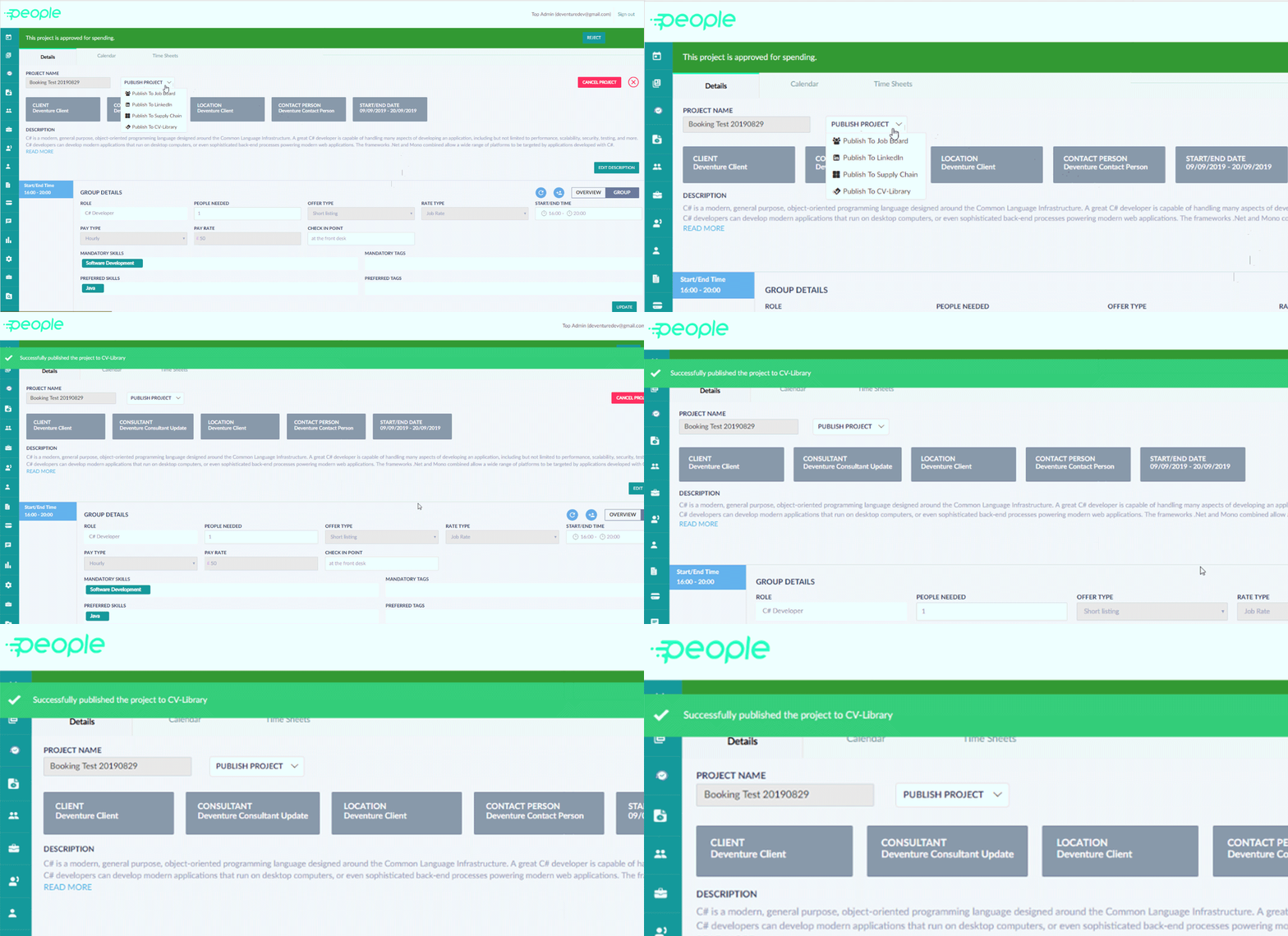
Select "Publish Project" and then press "Publish to CV-Library". Press "Yes" to confirm. A message will then appear to confirm your job has been posted to CV-Library.
You're done!
If you experience any problems, please call our team on: 01252 810995