 Your local job search

Integrations > Recruitive set up
Recruitive
CV-Library's new integration with Recruitive allows users to search over 22.4 million CVs in our award-winning database.
 Integrated with


Search CV-Library via Recruitive
To find the best candidates for your jobs on CV-Library via Recruitive, follow these simple instructions:
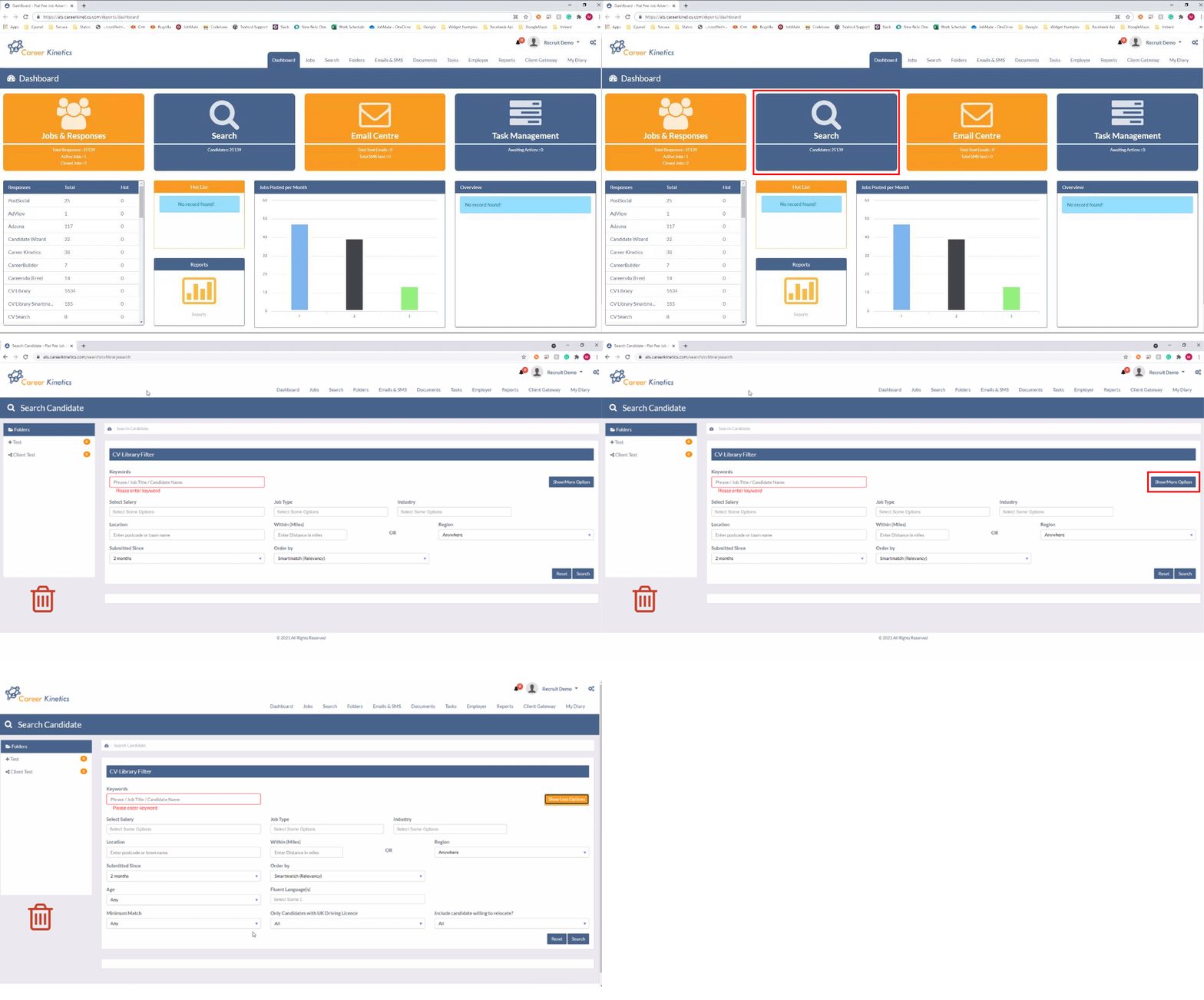
From the main dashboard select 'Search' > 'CV-Library'. The search screen will open if you click 'Show more options'.
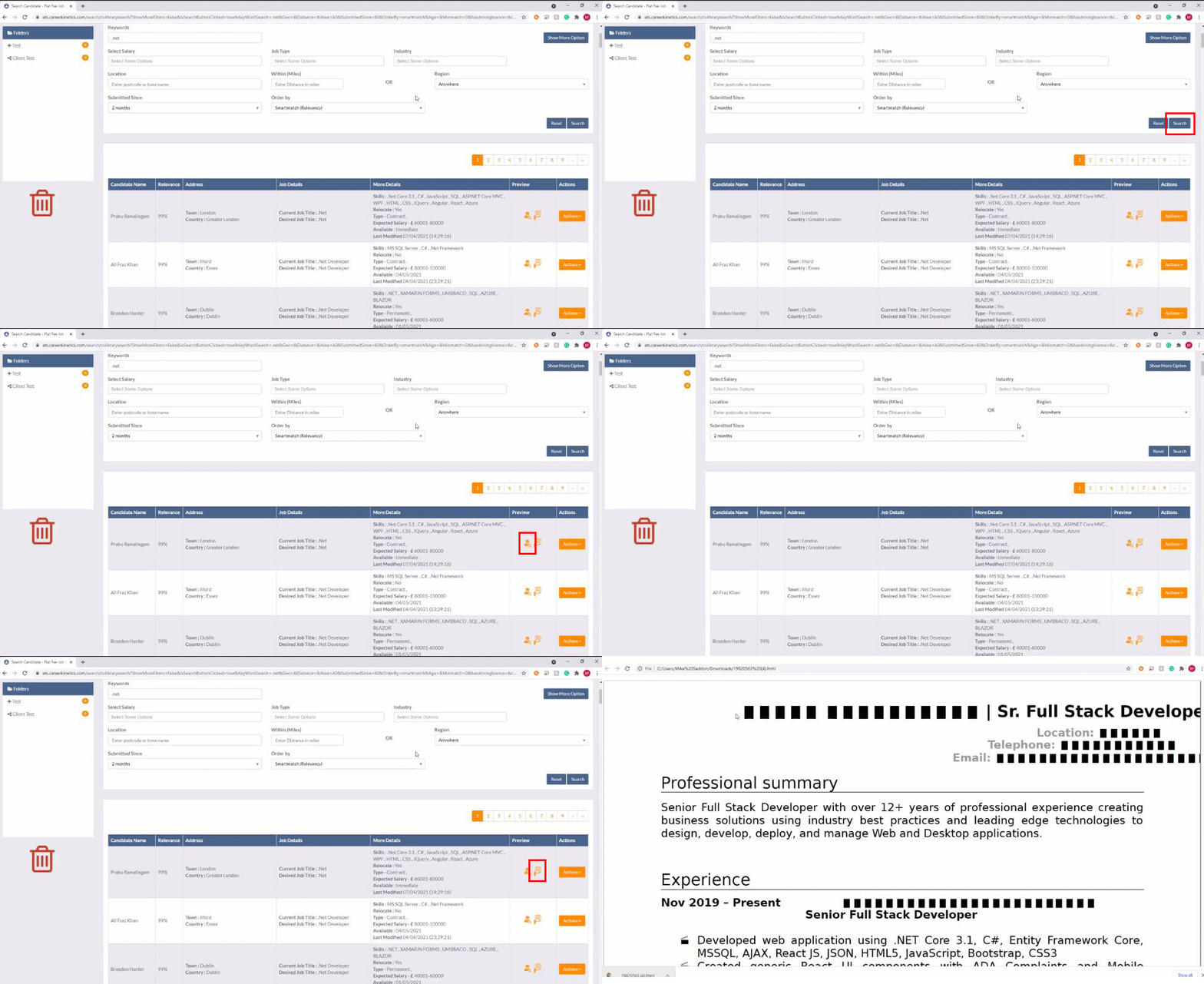
Fill in the search criteria and hit search, the results are returned. The "Preview Person" button opens the redacted data view for that candidate. The preview CV button downloads the redacted CV.
Use the 'Action' button to unlock. Download CV removes the redaction and downloads. Full details shows the unlocked candidate data.

You're done!
If you experience any problems, please call our team on: 01252 810995