 Your local job search

Integrations > Blue Octopus Recruitment set up
Blue Octopus Recruitment
CV-Library has integrated with Blue Octopus so users can post their jobs across our network of 800+ job sites, without leaving Blue Octopus’ platform.
 Integrated with


Start posting your jobs today
Follow this guide to advertise your jobs in front of millions of active job seekers via CV-Library's unrivalled network.
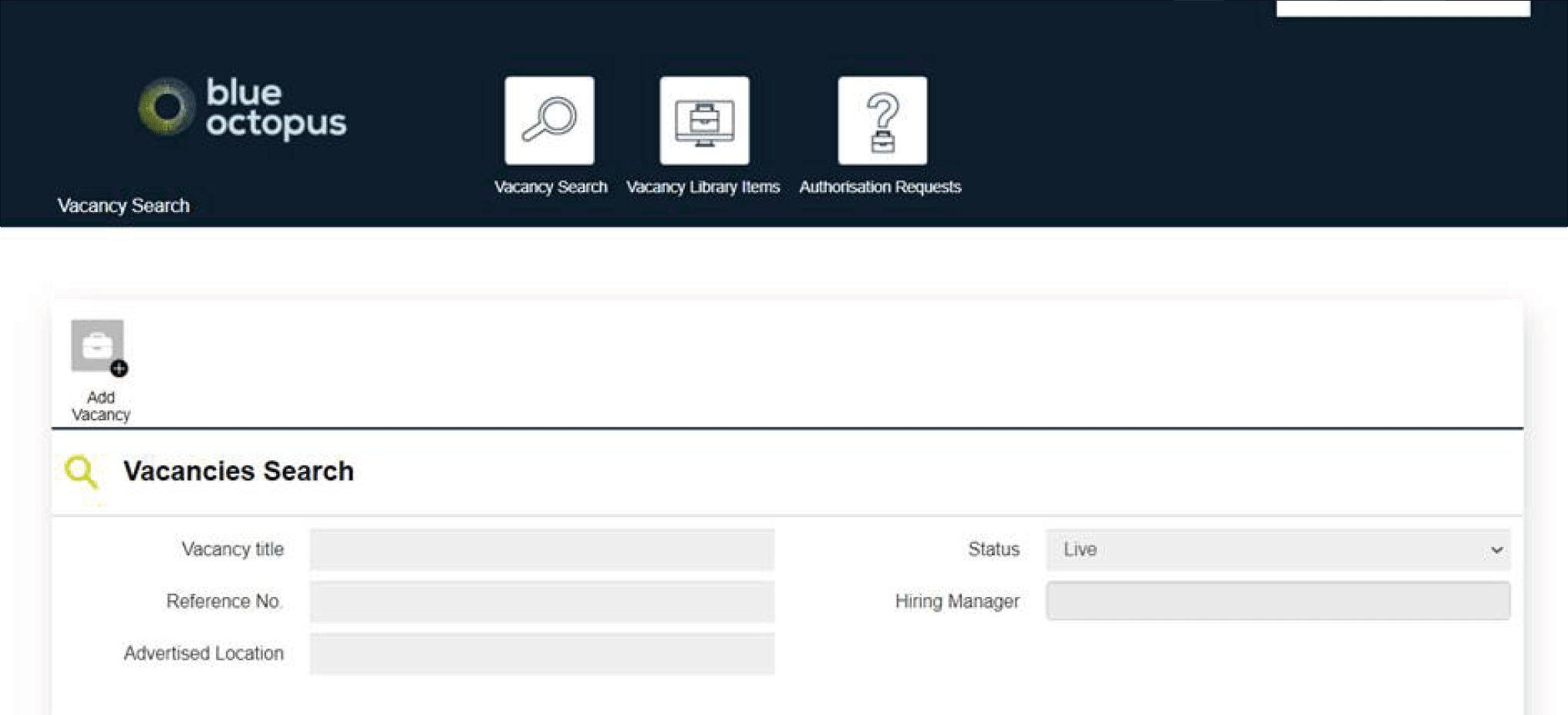
Login to Blue Octopus and check you have auto-posting configured. Add a vacancy within the Vacancies tab as normal. A vacancy can be added from an approved Authorisation Request, an existing Vacancy Library Item template or simply by selecting the 'Add Vacancy' button.
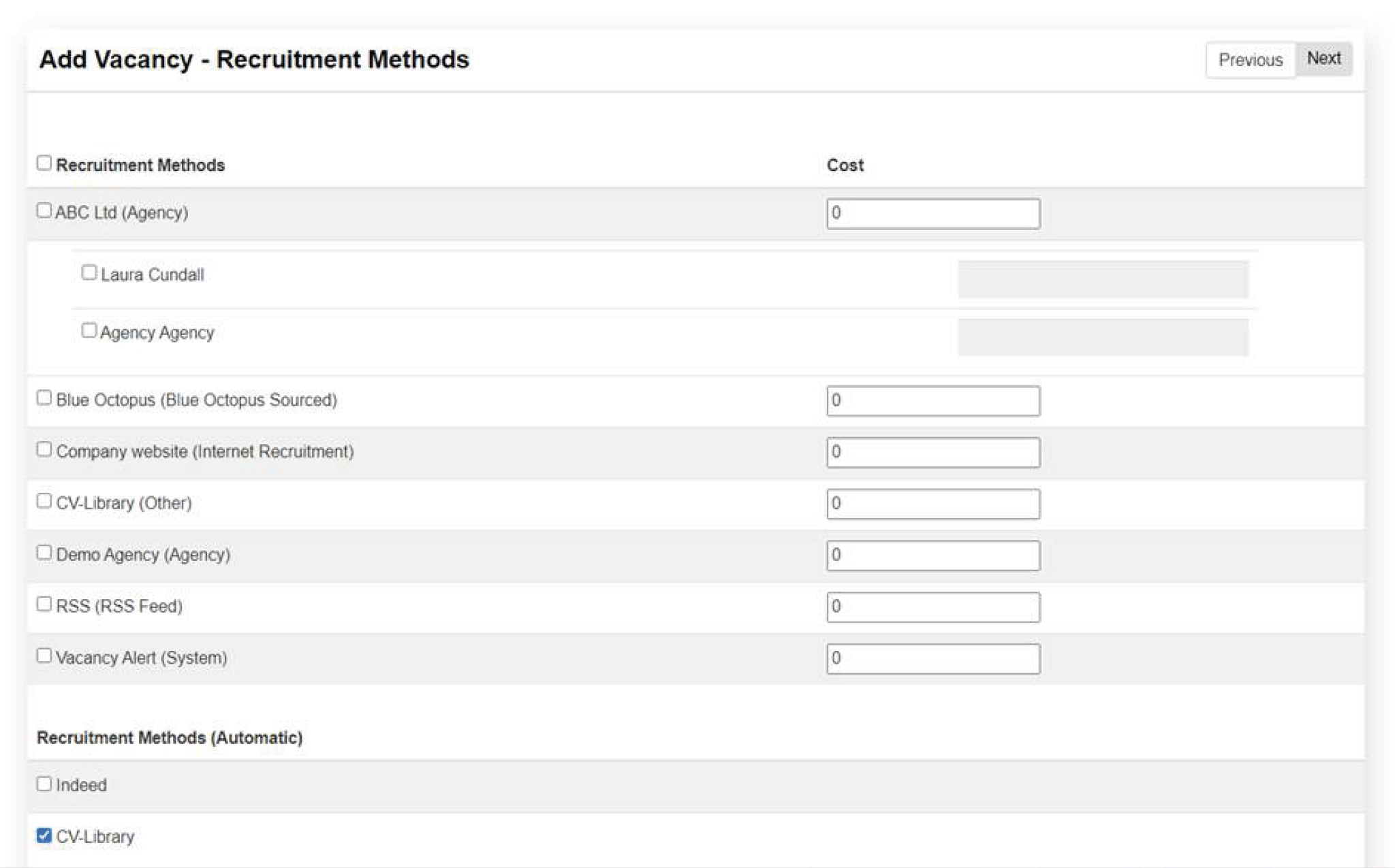
When you reach the 'Recruitment Methods' page, double check the CV-Library checkbox is ticked to enable the auto-post feature.
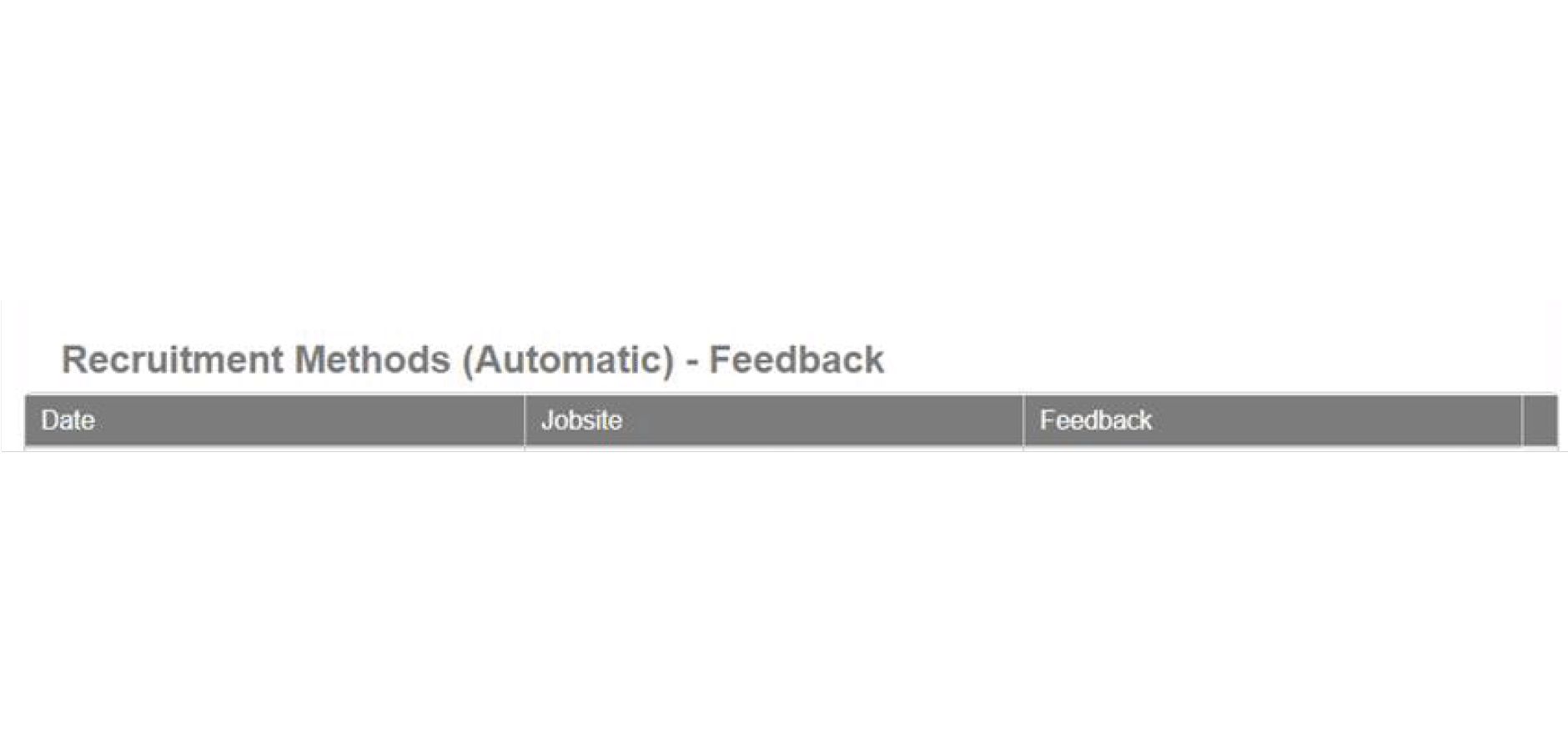
Once posted, you can check the vacancy has been advertised by visiting the in-vacancy 'Recruitment Methods' tab.
You're done!
If you experience any problems, please call our team on: 01252 810995